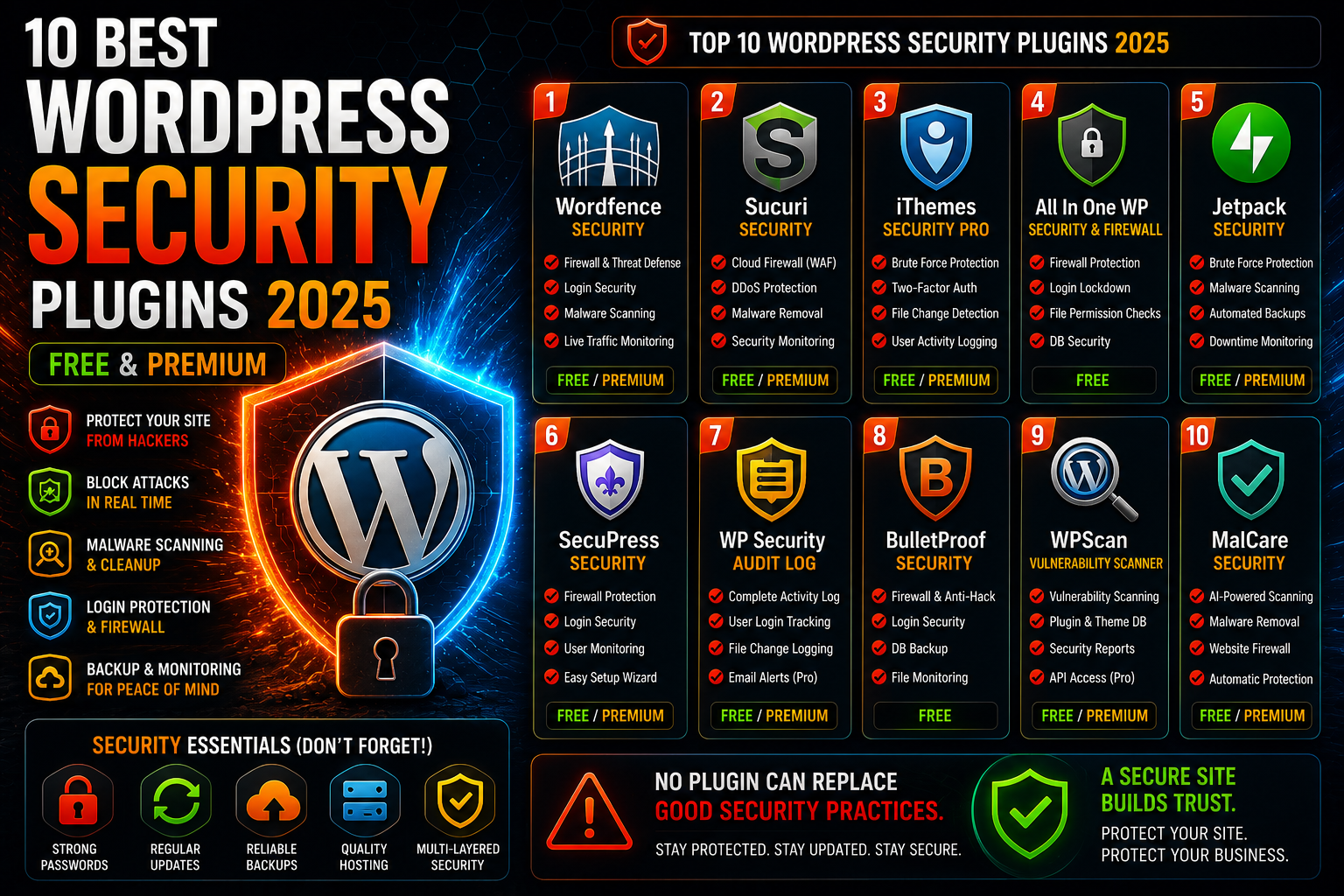
10 Best WordPress Security Plugins 2025 (Free & Premium)
How many times a day does someone try to break into your WordPress site? If the answer is “I don’t know,” that’s already a problem. The truth is that the number of bots and hackers keeps growing, and “admin/password123” is no longer the only concern.
WordPress is the world’s most popular content management system, which also makes it the biggest target. This doesn’t mean WordPress is insecure – it means you need to take security seriously.
The good news is that with the right tools, securing a WordPress site isn’t impossible. The bad news: there are dozens of security plugins on the market, many of which promise gold and the moon but deliver mostly a false sense of security.
Why Security Plugins Are Needed
A WordPress site without any security plugin is like a car without locks. Technically it works, but the first bot that stumbles onto your site will probably try the most common passwords and find their way in if you haven’t done basic protection.
Just a strong password isn’t enough. You need a firewall, login protection, malware scanning, and backups. Done manually, it would be completely impossible, but good plugins handle most of it automatically.
1. Wordfence Security – Free Serious Protection
Wordfence is one of those plugins that does exactly what it promises. The free version includes a web application firewall, login protection, and malware scanning. It’s not just a PR stunt to sell the premium version – the free version actually works.
The downside? Wordfence can be heavy on the site. It does a lot of background work, which can slow down the site somewhat. Additionally, the free version gets new threat definitions with a 30-day delay, which isn’t the end of the world but not ideal either.
The premium version ($99 per year) gives threat definitions in real-time and adds a few useful features. If you’re running a business site, it’s reasonably priced.
2. Sucuri Security – The Power of Cloud Service
Sucuri approaches security from a different angle. Instead of installing all protections directly on your site, a big part of the functionality runs on Sucuri’s cloud services. This means less load on your own server.
The free plugin includes basic security monitoring and malware scanning. It’s not as comprehensive as Wordfence, but does its job well and lightly.
Where Sucuri really shines is in premium services ($200+ per year). Cloudflare-type WAF (Web Application Firewall), DDoS protection, and automatic malware removal. If budget allows, it’s a powerful solution.
3. iThemes Security Pro (Solid security Pro) – Comprehensive Package
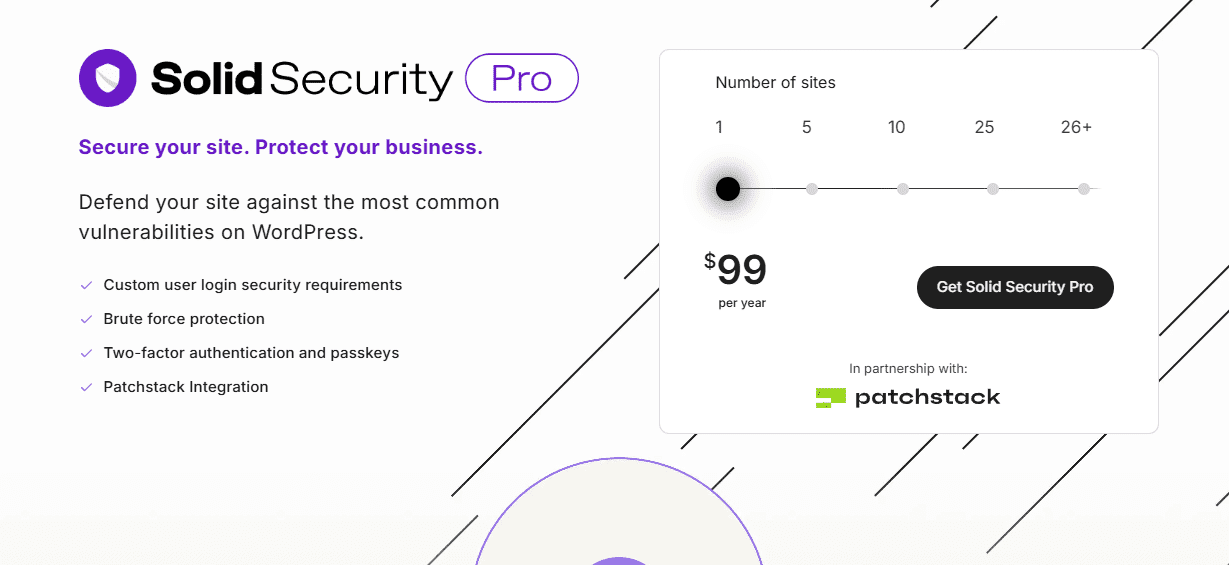
iThemes Security (formerly Better WP Security) has been in the game for a long time, and it shows. The plugin is mature, stable, and includes a remarkable amount of features even in the free version.
The strength is configurability. You can adjust practically everything exactly how you want it. The weakness is the same – it can be overwhelming for new users. If you don’t know what “lockout time” or “file change detection” means, you might need to google for a while.
The Pro version ($99 per year) adds two-factor authentication, password management, and a ticketing system for support. Pretty comprehensive package.
4. All In One WP Security & Firewall – Free Gem
This plugin won’t win beauty contests, but it does the basics extremely well for free. The user interface looks like it’s from 2015, but the functionality is solid.
Firewall, login protection, file permissions checks, and database security. All free, without premium version pressure on every page. That’s rare these days.
If budget is tight and you only need basic security, this is a good option. Don’t expect fancy reports or live support, but basic protection works.
5. Jetpack Security – WordPress’s Own Solution
Jetpack comes from Automattic, which owns WordPress.com. It’s the closest to an “official” security plugin you can get.
The free version includes brute force protection and basic monitoring. Premium tiers (starting at $10 per month) add automatic backup, malware scanning, and priority support.
Jetpack is reliable, but it’s not just a security plugin. It includes dozens of other features (social sharing, analytics, etc.), not all of which are necessarily needed. If you only want security, it might feel like overkill.
6. SecuPress – French Elegance
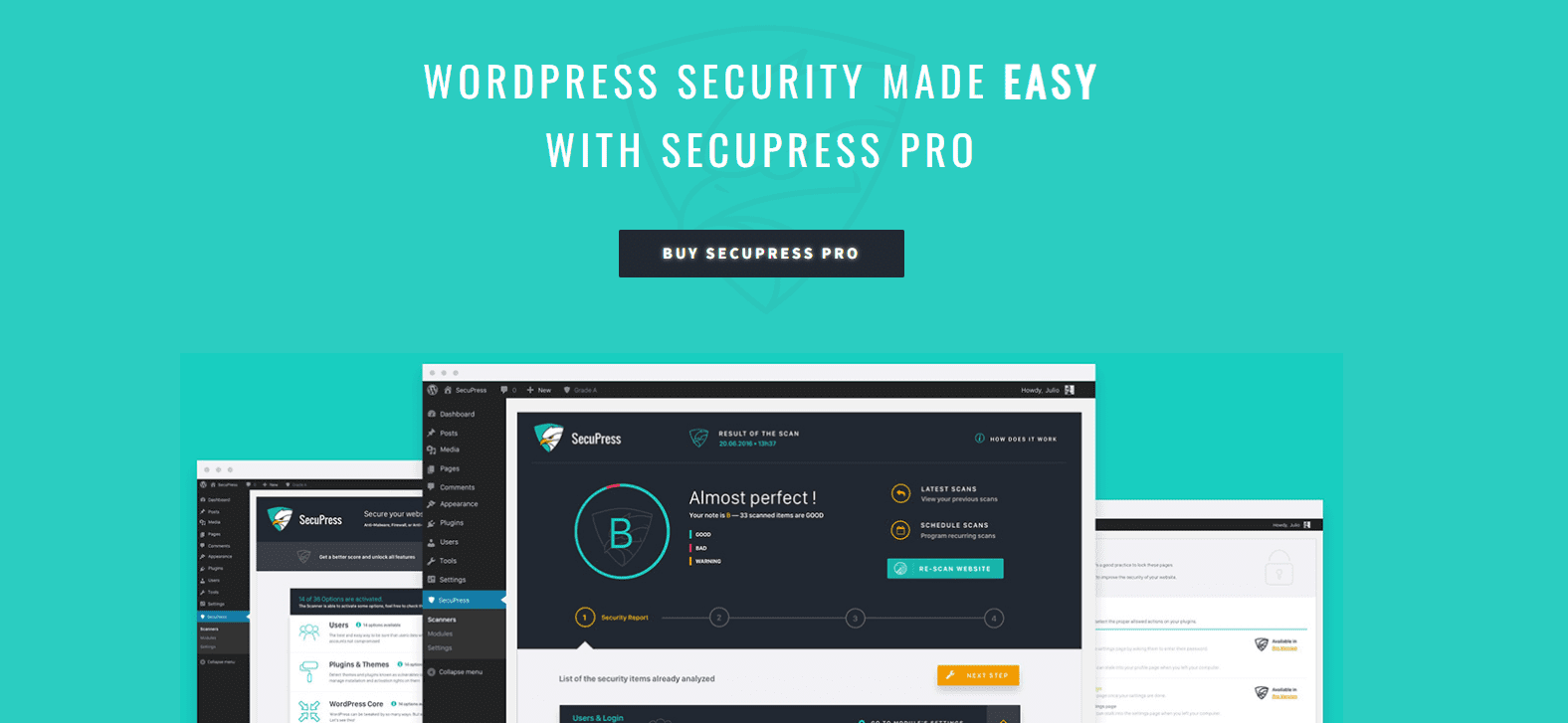
SecuPress comes from France, and it shows in the design. The plugin is neat, clear, and user-friendly. The setup wizard makes configuration easy even for beginners.
The free version includes a firewall, login protection, and basic monitoring. The premium version (€60 per year) adds antimalware scanning, automatic updates, and priority support.
SecuPress isn’t as feature-rich as Wordfence or iThemes, but it does the basics well and is easy to use. If you value simplicity over features, it might be a good choice.
7. WP Security Audit Log – Master of Logs
This plugin does one thing, but does it brilliantly: logs everything that happens on your site. Who logged in, when, from what IP. What files were modified, when plugins were installed.
If something strange happens, WP Security Audit Log tells you exactly what, when, and by whom. It doesn’t prevent attacks, but helps understand what happened.
The premium version ($89 per year) adds email alerts, external storage, and advanced filters. For large sites, it’s practically mandatory.
8. BulletProof Security – Veteran Defender
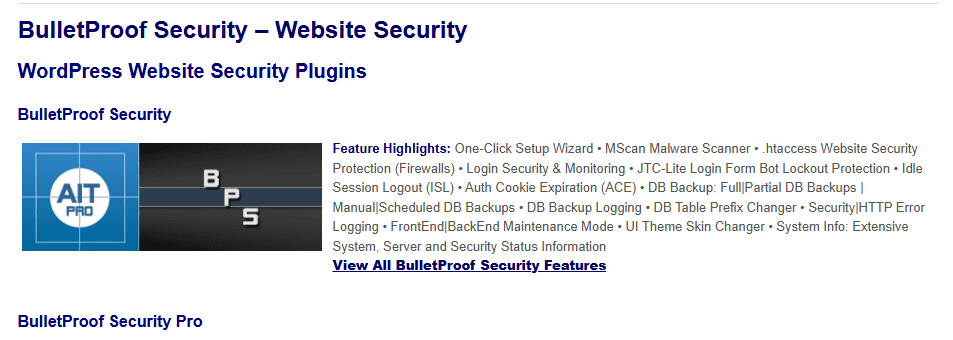
BulletProof has been in WordPress security forever. It’s an experienced plugin with a wide feature set: firewall, login protection, database backup, file monitoring.
The plugin is free, which is surprising considering the number of features. The flip side is that the user interface is… well, let’s say it’s not up to 2025 standards. Works, but isn’t pretty.
If you can navigate through a somewhat messy UI, you get a lot of security for free. For new users, it might be challenging.
9. WPScan – Vulnerability Hunter
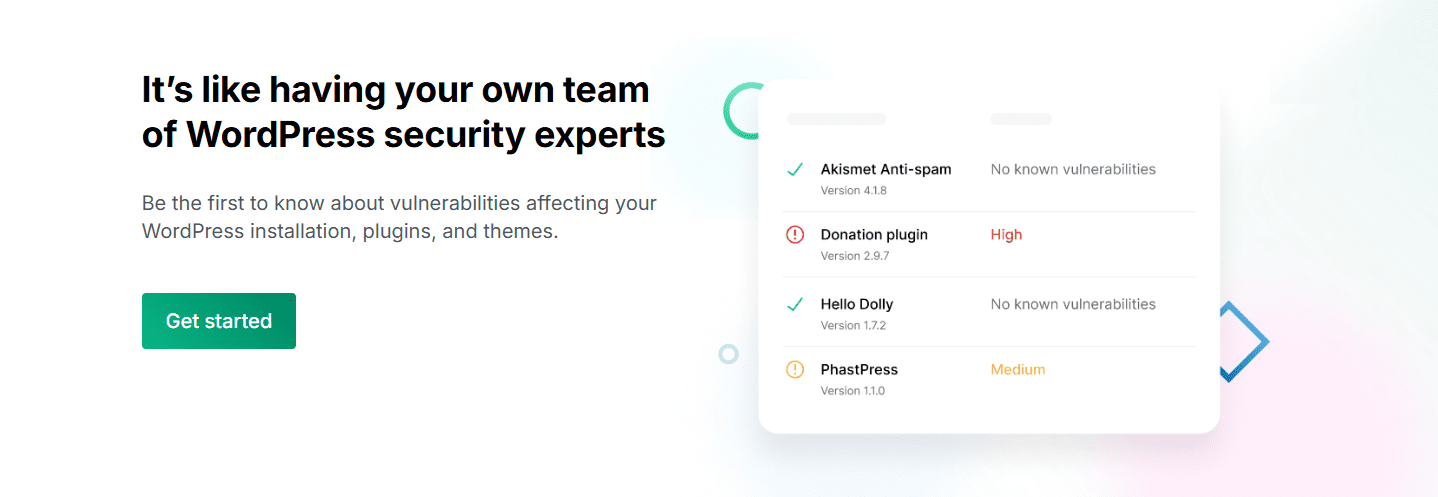
WPScan isn’t a traditional “install and forget” security plugin. It’s a tool that scans your site for known vulnerabilities and reports its findings.
The free version does basic scanning. Premium API key ($25 per month) gives access to a broader vulnerability database and more frequent scans.
WPScan is a great addition alongside other security plugins. It doesn’t replace firewalls or login protection, but tells you if some plugin or theme is known to be vulnerable.
10. MalCare Security – The Power of Machine Learning
MalCare uses machine learning to detect malware. Sounds like marketing speak, but in practice it means it can detect new threats that traditional signature-based scanners don’t recognize.
The free version does basic scanning. Premium services ($99 per year) include automatic malware removal, firewall, and regular scans.
MalCare is relatively new, but the technology seems promising. If traditional antiviruses aren’t enough, it might be worth trying.
What’s the Best Choice?
Honestly, “best” depends entirely on your situation.
For a small blogger: All In One WP Security or Wordfence free version. Both give solid basic protection without costs.
For a small business owner: Wordfence Premium or iThemes Security Pro. $99 per year is a reasonable investment in business site security.
For a larger company: Sucuri Premium or MalCare Premium. Cloud-based solutions scale better and offer professional support.
For budget option: BulletProof Security. Lots of features for free, but requires some technical knowledge.
Security Isn’t Just a Plugin
Remember, no plugin replaces sensible security practices. Strong passwords, regular updates, reliable web hosting, and backups are as important as any plugin.
A plugin is just one layer in a multi-layered security strategy. It’s an important layer, but not the only one.
Installation Tips
Don’t install multiple security plugins at the same time. They can conflict with each other and cause more problems than solutions.
Test the plugin first in a staging environment if possible. Some security plugins can be aggressive and block legitimate users too.
Read the plugin documentation. Security plugins are complex and wrong settings can do more harm than good.
What to Avoid
Free vs Premium myths: Don’t assume more expensive is automatically better. Many free plugins are completely sufficient for small sites.
Feature creep: Don’t choose a plugin based on how many features it has. Choose based on how well it does the things you need.
“Set and forget” thinking: Security requires ongoing maintenance. A plugin isn’t a reason to forget backups or updates.
Finally
WordPress security isn’t scary or complicated, as long as you take it seriously. The right plugin with appropriate settings can prevent the vast majority of attacks without you having to do any manual work.
The important thing is to start somewhere. An empty security plugin is better than no security plugin at all. You can always switch to better later when you understand better what you need.
Remember: security is about reducing probabilities, not perfect protection. No system is 100{c241f8dee53e4494bb8f7c069dc856b00449f6a9ef37d2b80206b35eb23f7394} secure, but good tools and sensible practices make your site a much harder target than the average site.
This comparison is based on plugins’ public features and user feedback as of January 2025. The security situation changes rapidly, so always check the latest versions and features of plugins before making a decision.

 Limited-Time Offer